
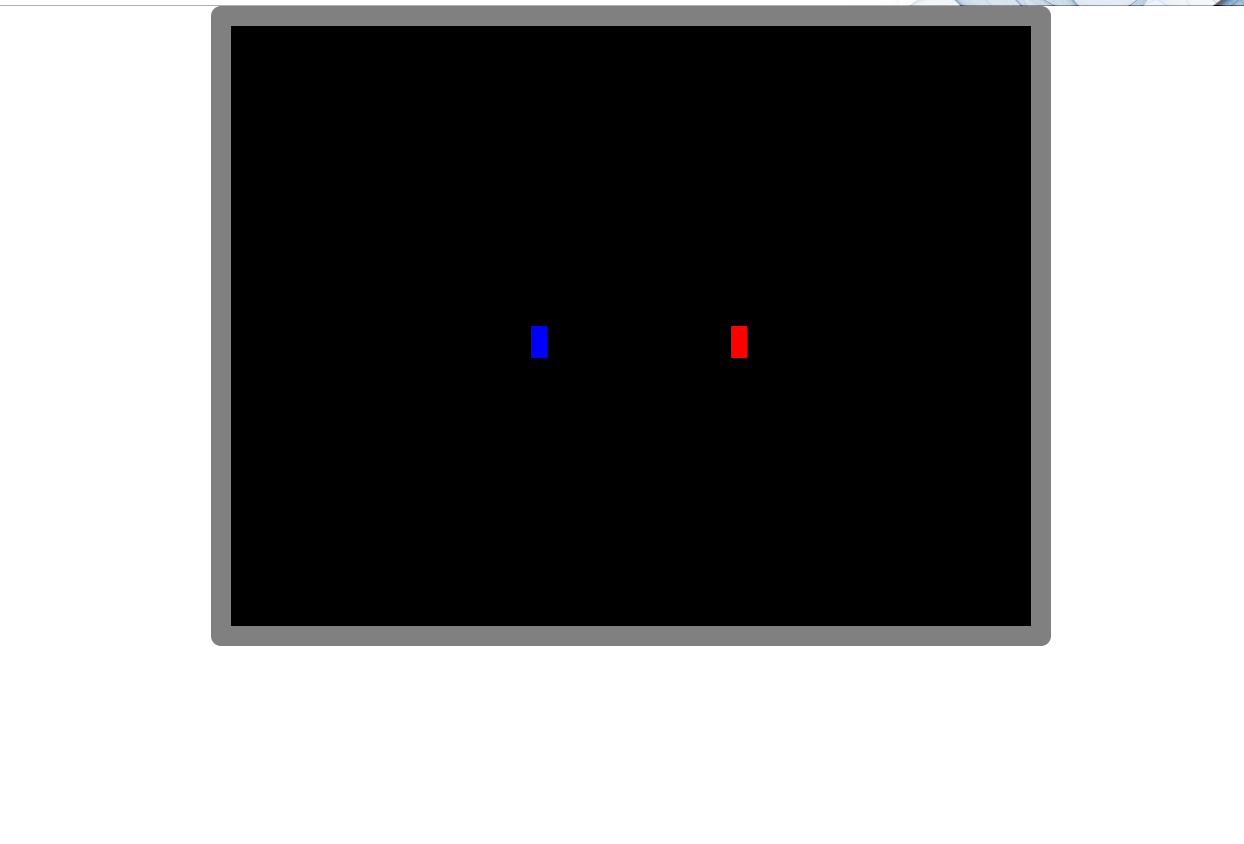
Add Border to Canvas
Details:
1: Add a grey 20px border to the canvas with a border radius of 10px
Solution: FULL CODE
<!DOCTYPE html>
<html lang="en">
<head>
<meta charset="UTF-8">
<meta name="viewport" content="width=device-width, initial-scale=1.0">
<title>Dungeon Chase</title>
<style>
    body {
        margin: 0;
        overflow: hidden;
        position: relative;
    }
    #gameCanvas {
        position: absolute;
        top: 0;
        left: 0;
        z-index: 0;
		}
    canvas {
        display: block;
        margin: 0 auto;
    }
	.canvas {
		background-color:black;
		border:20px solid grey;
		border-radius:10px;
	}

	#canvasContainer {
		position: relative;
		width: 800px; /* Adjust width as needed */
		height: 600px; /* Adjust height as needed */
		margin: auto; /* Center the container */
	}
</style>
</head>
<body>

<div id="canvasContainer">
	<canvas id="gameCanvas" class="canvas" width="800" height="600"></canvas>
</div>

<script>
const canvas = document.getElementById("gameCanvas");
const ctx = canvas.getContext("2d");

const player = {
	x: 300,
	y: 300,
	width: 16,
	height: 32
};

const enemy = {
	x: canvas.width - 300,
	y: canvas.height - 300,
	width: 16,
	height: 32
};

function drawPlayer() {
	ctx.fillStyle = "blue"; // Adjust the alpha value (last parameter) for transparency // "rgba(0, 0, 0, 0)"
	ctx.fillRect(player.x, player.y, player.width, player.height);
}

function drawEnemy() {
	ctx.fillStyle =   "red"; // "rgba(0, 0, 0, 0)"
	ctx.fillRect(enemy.x, enemy.y, enemy.width, enemy.height);
}

drawPlayer();
drawEnemy();

</script>
</body>
</html>